
When your account is set up with JumpCloud, an account profile is created on your Mac device with your name on it. Here’s how you can log in:
- Turn on your computer and wait for the login screen to appear.
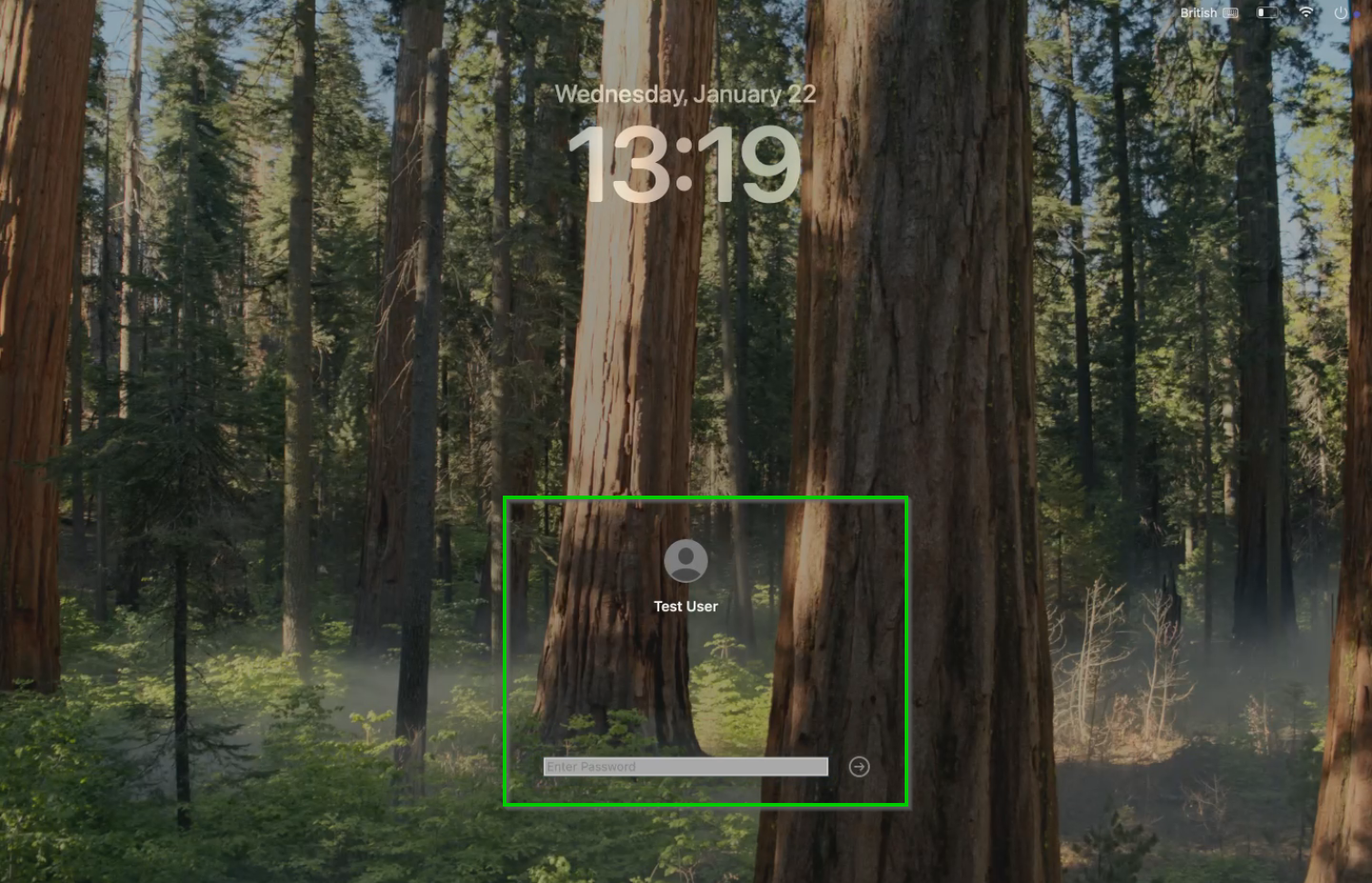
- Find your name on the list of users.
In the screenshot below, the user is called "Test User", but yours will have your name instead.
Please note that you will still be able to see your previous account profile in the list of users. That account profile will be removed from your computer sometime in the first half of 2025.
- Enter your password.
- This is a temporary password that has been given in the WhatsApp group to Gloria and Agnes.
- Press Enter or click the arrow button to log in.
- If asked, complete any extra security steps, like entering a code sent to your phone.
Once logged in, you’ll see your Mac's desktop and can start using your computer.